Weak suction
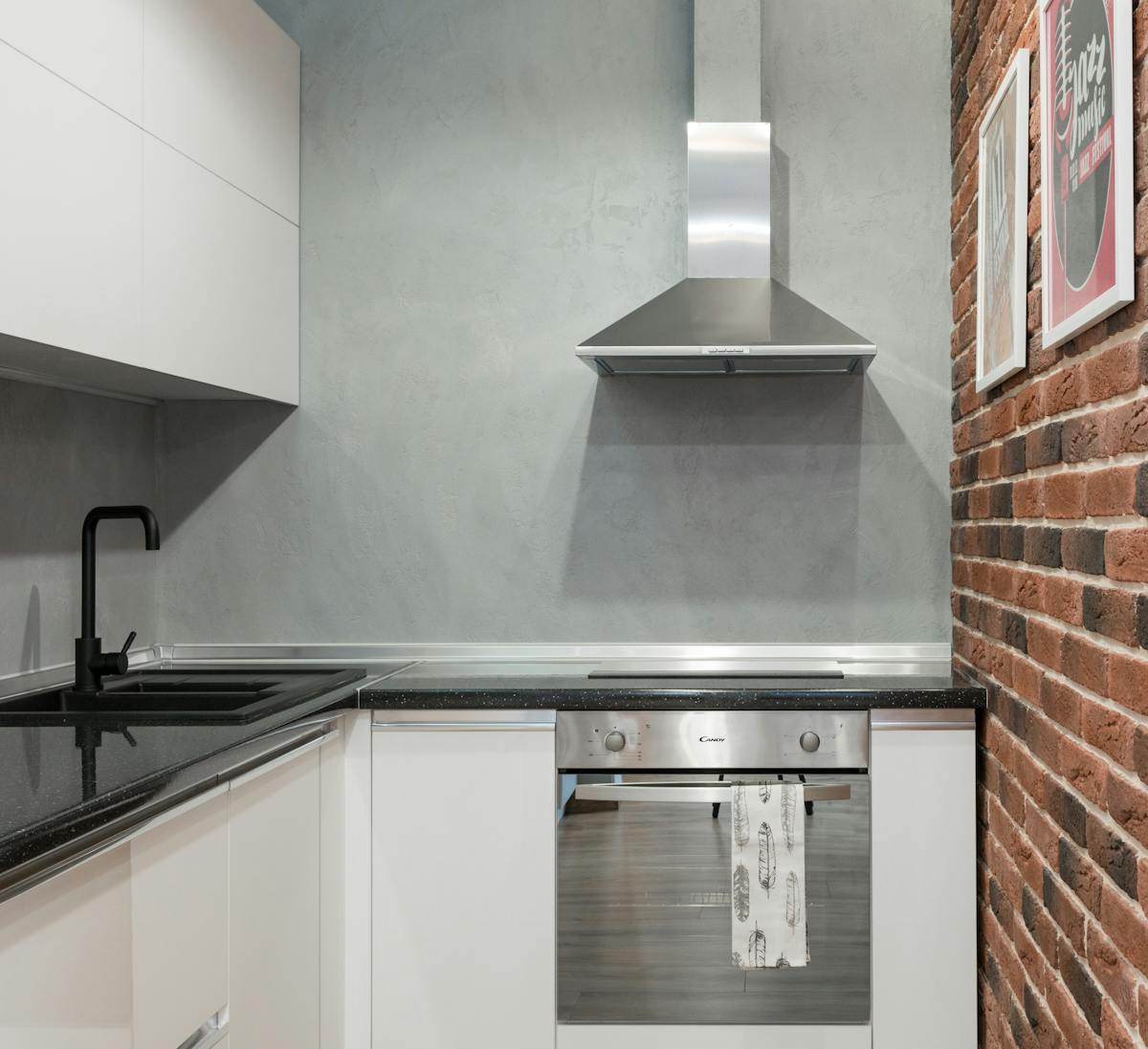
Check the baffle filters — grease-saturated filters drastically reduce airflow. Wash in the dishwasher (bottom rack, baffles down). Inspect the duct run for obstructions — check the backdraft damper (it may be stuck from grease). Verify duct connections are tight and sealed with HVAC tape. If airflow is still weak after cleaning, the blower motor may be losing power from bearing wear.
Excessive noise
Rattling: loose baffle filter, hood housing vibration, or duct resonance. Tighten all screws and verify filters are seated. Grinding/squealing: blower motor bearing wear — replacement needed. Whistling: duct restriction (too many bends, undersized duct, or damper partially closed).
Lights not working
Replace halogen bulbs with the correct wattage and type. For LED models, the LED module plugs into a socket — unclip and replace. If new bulbs don’t work, the light driver board or switch may have failed.
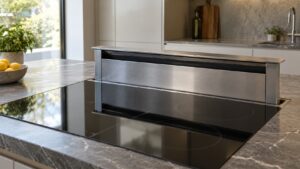
Downdraft won’t raise or lower
Check for debris around the opening. Don’t force the mechanism — it can damage the lift track and motor. Power cycle the cooktop/hood circuit at the breaker. If still stuck, the lift motor or limit switches need service.
Auto-on heat sensor not activating
Clean the sensor area on the underside of the hood — grease coating prevents heat detection. The hood will still work manually while the sensor is serviced.
Need professional Thermador Vent Hood service?
If troubleshooting doesn’t resolve the issue, our certified Thermador technicians can help. We service all Thermador Vent Hood models across all 50 states with genuine OEM parts and a 30-day labor warranty. Schedule service online — same-day booking available.
Related Thermador resources
- Thermador Vent Hood repair service — certified technicians in all 50 states
- Thermador error code database — search all Vent Hood error codes
- Thermador model database — specifications and repair info by model number
- Thermador official site — official specifications, manuals, and product information
Important notes for Thermador vent hood owners
- Always use genuine OEM parts — aftermarket components may fit but can compromise performance, safety, and warranty coverage on Thermador appliances
- Never ignore error codes — Thermador codes are diagnostic aids designed to prevent small issues from becoming major failures. Address them promptly
- Keep your owners manual accessible — it contains model-specific maintenance schedules and troubleshooting trees. Digital versions are available on the Thermador official site
- Document issues before calling — note error codes, symptoms, when they started, and patterns. This helps the technician diagnose faster
- Use surge protectors — power fluctuations damage electronic control boards. A quality surge protector protects your investment
When DIY troubleshooting is not enough
Some Thermador vent hood issues can be resolved with the steps in this guide. However, call a certified technician immediately if you encounter:
- Gas smell (gas models) — turn off the appliance, open windows, leave the house, call from outside
- Burning smell or smoke — disconnect power immediately. Do not use until inspected
- Electrical sparking — turn off at the circuit breaker. Wiring or component failure
- Water leaking inside walls — shut off supply and call to prevent water damage
- Error codes that return after power reset — persistent codes indicate real component failure
- Sealed system issues — compressor, refrigerant work requires EPA-certified technicians
Schedule service online — our certified Thermador technicians carry genuine OEM parts and serve all 50 states with a 30-day labor warranty.