What SuperFreeze does
SuperFreeze is Thermador’s rapid-freeze function that temporarily drops the freezer temperature well below the standard 0°F setting. The compressor runs at maximum capacity for a set period (typically 6 hours on most models), creating an extra-cold environment that freezes new items quickly without warming existing frozen food. The feature auto-deactivates after the timeout period, returning to normal operation.
When to use SuperFreeze
Activate SuperFreeze before loading large quantities of unfrozen food — a big grocery haul, batch cooking for the week, or freezing fresh produce from a farmers’ market. The rapid temperature drop ensures new items freeze solid quickly, preserving texture and nutritional value. Quick freezing also produces smaller ice crystals within food, resulting in better quality when thawed.
How to activate
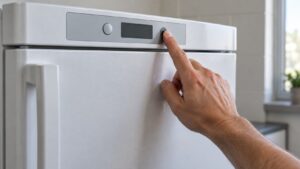
Press the SuperFreeze button on the control panel or SideTouchControl. An indicator light confirms activation. Activate 4-6 hours before adding food for best results — this pre-chills the freezer beyond its normal setpoint. Load new items and close the door. SuperFreeze runs for its timeout period (check your model’s manual — typically 6 hours) and deactivates automatically.
Tips for best results
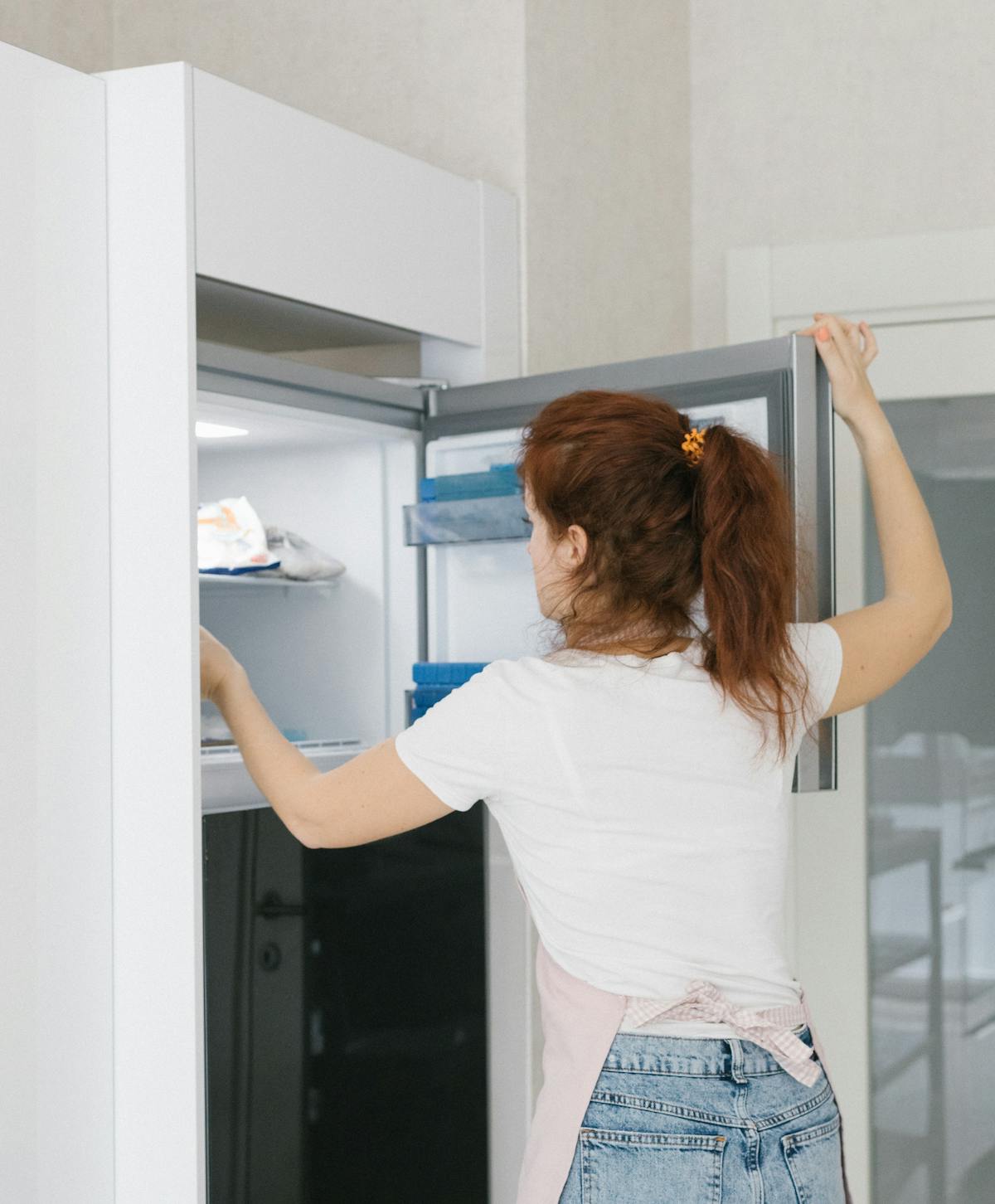
Don’t overload in a single session — leave space between new items for cold air circulation. Place new items in the bottom drawer (coldest zone, closest to the evaporator). Spread items flat when possible rather than stacking — this increases surface area for faster freezing. Don’t open the door during the SuperFreeze period — every door opening lets warm air in and reduces effectiveness.
When NOT to use SuperFreeze
Don’t run SuperFreeze continuously — it was designed for temporary use. Continuous maximum compressor output increases energy consumption and can shorten compressor life. Don’t use it for a single item — the normal freezer setting handles small additions without issue. If SuperFreeze won’t activate or doesn’t deactivate, error code E6 may appear — schedule service for control board diagnosis.
Related Thermador resources
- Thermador Freezer repair service — certified technicians in all 50 states
- Thermador error code database — search all Freezer error codes
- Thermador model database — specifications and repair info by model number
- Thermador official site — official specifications, manuals, and product information
Important notes for Thermador freezer owners
- Always use genuine OEM parts — aftermarket components may fit but can compromise performance, safety, and warranty coverage on Thermador appliances
- Never ignore error codes — Thermador codes are diagnostic aids designed to prevent small issues from becoming major failures. Address them promptly
- Keep your owners manual accessible — it contains model-specific maintenance schedules and troubleshooting trees. Digital versions are available on the Thermador official site
- Document issues before calling — note error codes, symptoms, when they started, and patterns. This helps the technician diagnose faster
- Use surge protectors — power fluctuations damage electronic control boards. A quality surge protector protects your investment
When DIY troubleshooting is not enough
Some Thermador freezer issues can be resolved with the steps in this guide. However, call a certified technician immediately if you encounter:
- Gas smell (gas models) — turn off the appliance, open windows, leave the house, call from outside
- Burning smell or smoke — disconnect power immediately. Do not use until inspected
- Electrical sparking — turn off at the circuit breaker. Wiring or component failure
- Water leaking inside walls — shut off supply and call to prevent water damage
- Error codes that return after power reset — persistent codes indicate real component failure
- Sealed system issues — compressor, refrigerant work requires EPA-certified technicians
Schedule service online — our certified Thermador technicians carry genuine OEM parts and serve all 50 states with a 30-day labor warranty.