When the touch control of a Thermador cooktop stops responding, the display stays dark or the cooktop will not turn on, the cause can be as simple as a lock setting or a wet panel, or as involved as a failed control board. A repair is the normal answer for a cooktop that is otherwise sound, because a control part can cost much less than a new cooktop, but it should follow a diagnosis, not a guess. This guide covers what to check first, how to tell a touch problem from other faults, what makes repair or replacement the better choice and when to stop and call a technician.
What does the touch control do on a Thermador cooktop?
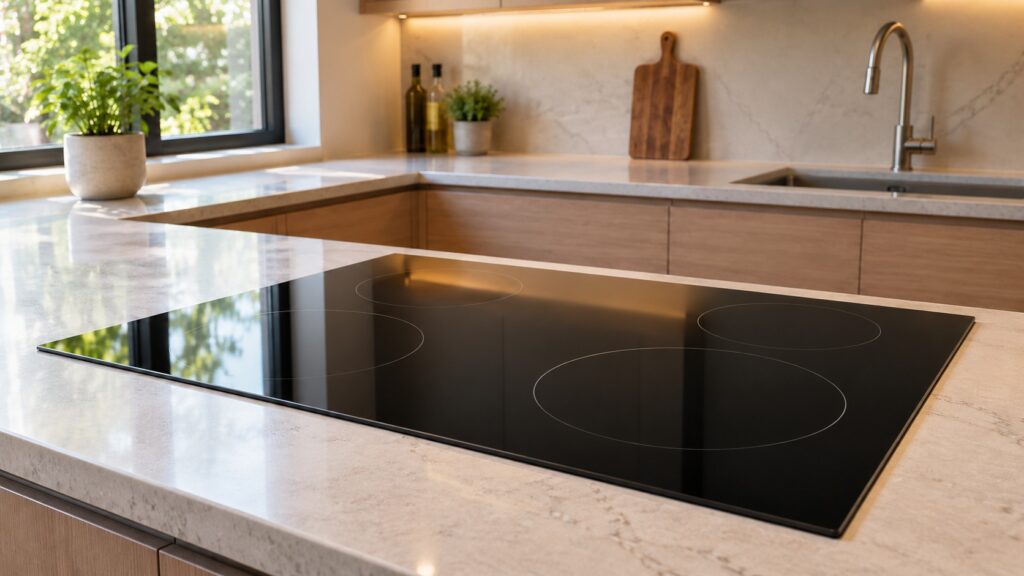
The touch control is the part you press to turn on the cooktop and to set heat levels, timers and other functions. It reads touches through the glass, and a control board turns your choices into power for the burners or induction zones. On the Thermador cooktops on our site, the induction CIT365YM is described as a 36-inch model with five zones including a bridge zone and touch controls. When people search for a Thermador display not working, a Thermador cooktop not working or Thermador cooktop problems, they are describing what they see, not which part has failed.
The touch panel, the display and the control board can fail separately. A panel can stop reading touches while the board is fine, and a board can fail while the panel looks normal. Only a technician who can test the parts can tell them apart, and we do not diagnose the part from a description.
What should you check before calling?
Start with the plain causes. Wipe the glass with a soft cloth, because spilled liquid, grease or a damp cloth left on the controls can make a touch panel misread or ignore touches. A pan resting too close to the controls or a hand resting on them can have the same effect. Check your owner’s manual for a control lock or similar setting that makes the cooktop ignore touches, and follow the manual’s steps to release it. We do not list button sequences, because they differ between models and pressing buttons at random is not a repair.
Check the breaker for the cooktop, and whether other things on the circuit work. If there was a power outage or a storm, the cooktop may have lost its settings or been damaged. If liquid has run under the glass or into the controls, if you smell burning, or see sparks, switch the cooktop’s breaker off at the panel while standing on a dry floor and do not use it again until a technician has looked at it.
Is it the touch panel, an error code or something else?
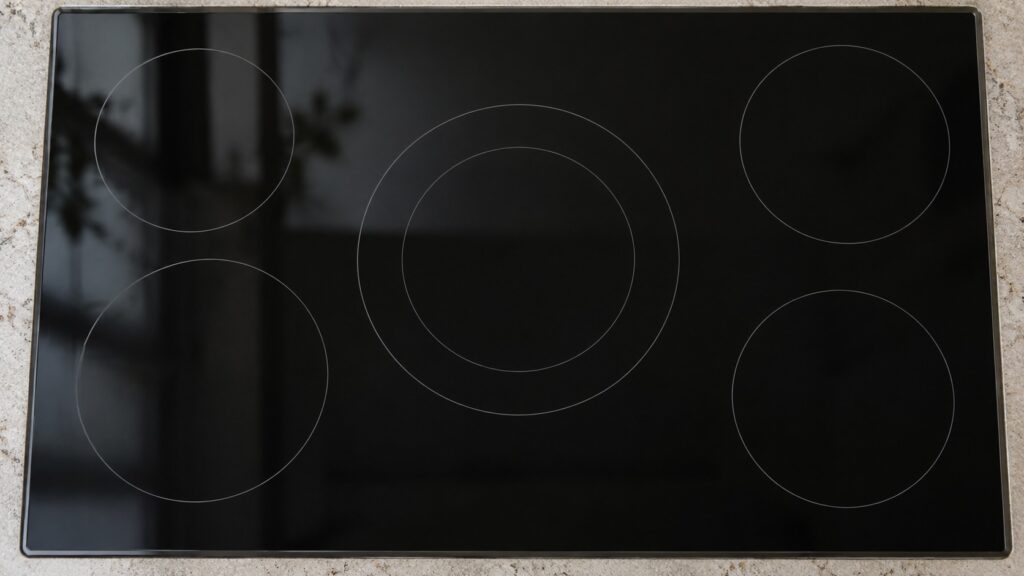
Look at what the cooktop does. If a code appears, write it down exactly, and read our page on Thermador induction cooktop error codes, because a code points to a specific condition. If only one zone fails, or heat is weak on one side, the touch panel may not be the cause. If the cooktop turns on but the pan does not heat, check that the cookware is suitable for induction; our induction cookware tips explain how to do that. If the glass is cracked, the problem is a different one; our guide on cracked cooktop glass covers that decision.
For a broader checklist, the Thermador cooktop troubleshooting guide lists common symptoms and causes. Neither guide replaces a diagnosis, but they help you describe the problem clearly to a technician.
When does repair make sense?
Repair makes sense when the cooktop is otherwise in good condition: the glass is intact, the other zones or burners work and the cooktop is not very old. A control repair on a sound cooktop is generally a part swap, and that can cost much less than a new cooktop. It also saves the cutout and the connections, which matters in a countertop that was made for that size. The technician can tell you which part failed and whether it is available.
Ask what exactly failed, whether the repair is a panel, a display or a board, and what else the technician found. If the same cooktop has had earlier electronics repairs, ask whether the cause may be a power or moisture problem that would affect a new part too. Our control board repair or replace guide explains the same decision for a control board in other Thermador appliances.
When does replacement make more sense?
Replacement becomes reasonable when the touch problem comes with other issues: cracked glass, several zones that fail, signs of liquid damage under the glass, or an older cooktop for which parts are hard to get. In those cases the repair adds up and the remaining life of the unit is short. Our Thermador cooktop repair or replace guide sets out the general framework. If you do replace, check the cutout and the electrical supply against the installation sheet for the new model, and have a professional make the connection.
Do not decide on the basis of a symptom alone. A cooktop written off as dead can turn out to need a simple part, and one repaired without diagnosis can fail again for the same reason.
How do you book a diagnosis?
Tell us the model number from the label, what the panel does, whether a code appears and whether there was a spill or a power event. Do not remove the glass or the trim, and do not use a cooktop with a cracked surface. We are an independent repair company, not Thermador. See our Thermador cooktop repair page, or schedule a visit online.